Make informed decisions
Understand what needs attention, why it matters and which information is still needed before deciding.
Discover which policies, security settings and apps need attention. From installation failures and update gaps to missing assignments, receive evidence-backed findings and an action plan your team can use to improve your environment.
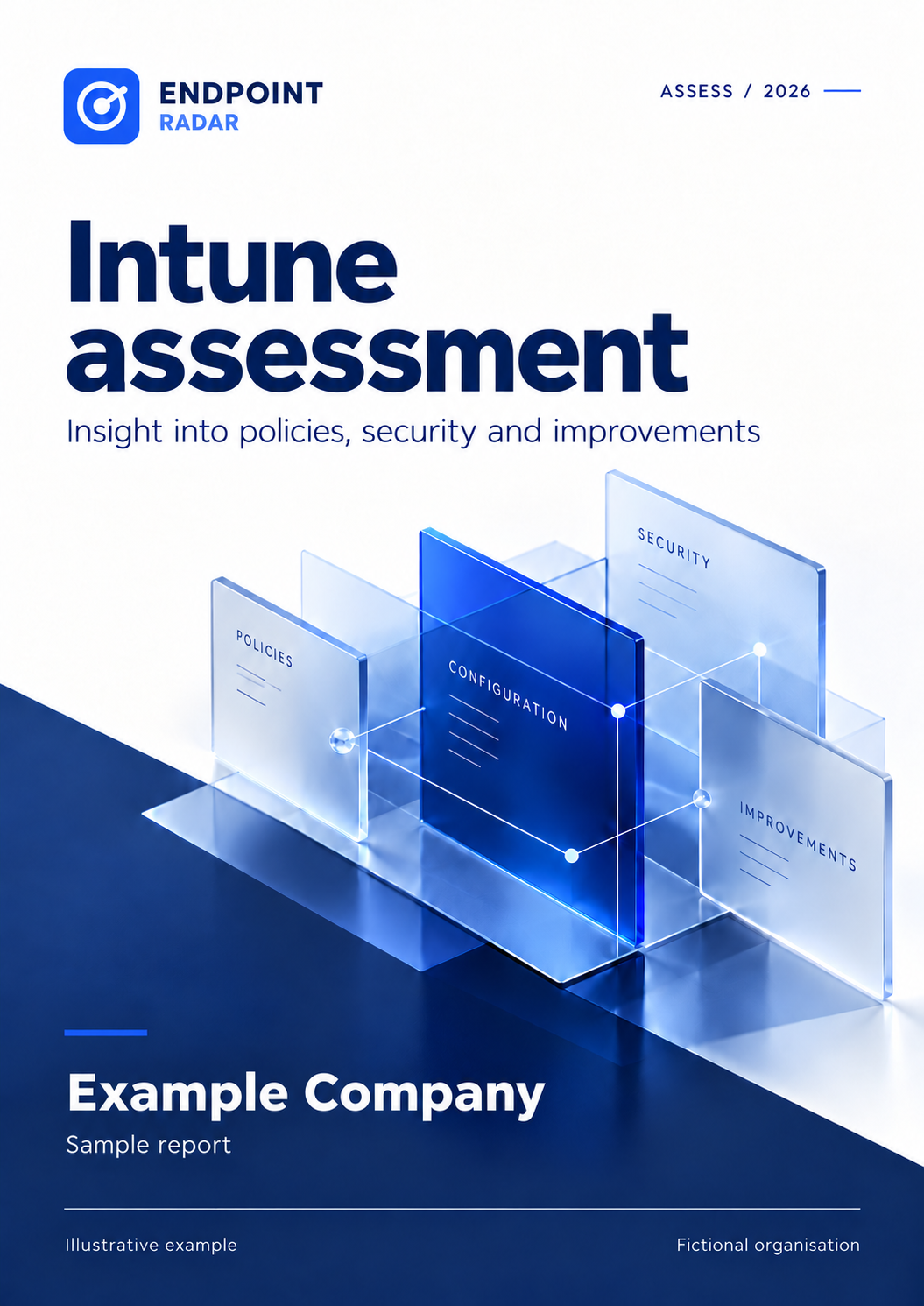
A clear overview for decision-makers, technical evidence for administrators and a shared starting point for delivery.
Understand what needs attention, why it matters and which information is still needed before deciding.
Find the relevant apps, policies and devices alongside each finding, with concrete checks and recommendations.
Start with a proposed priority, owner and schedule. See what needs confirmation and how to tell when an action is complete.
From a management overview to a concrete setting for administrators. Explore five sample pages from the same fictional assessment.
Example Company is fictional. Counts, policies, apps and versions are illustrative and only demonstrate the report. Scroll within the page for all details.
 ENDPOINT RADAR / ASSESS
ASSESS / SAMPLE REPORT
Choose a chapter to explore the example.
A connected report with a management summary, technical detail and a practical starting plan. Follow clickable references directly to the supporting evidence.
01
Key findings and decisions, explained without requiring specialist Intune knowledge.
02
The observed setting or status, why it matters and what to verify or adjust.
03
An action for every finding, with a proposed sequence, owner, schedule, dependencies and clear completion criteria.
04
Current and newer versions where reliably identified, with source references and available release or security information.
05
See what was assessed, where data is missing and which conclusions remain open.
06
Object references, collection dates and evidence linked to findings through exact page references.
Findings are useful when your team knows what to do next. Each finding therefore has a concrete action and the context needed to carry it out.
Verify current protection, administrative access and potential blockers. Restore visibility into devices with stale status.
Address confirmed issues. Agree a pilot group, dependencies and a maintenance window.
Check the full agreed scope, record exceptions and confirm that the intended outcome has been achieved.
Priorities and timeframes are proposals for your team, not confirmed incident severity or guaranteed delivery dates.
Explore an example findingAgree the environment, scope, contacts and report recipients.
Your authorised administrator grants the agreed read-only access through Microsoft.
Data is checked against documented criteria. Findings and limitations are reviewed before the report is released.
Use the action plan to agree owners, priorities and a realistic schedule. Your team decides and implements the changes.
Agree which areas of your tenant to include before the assessment starts. The report explains what data was available and how far each assessment can go.
Reported compliance, last sync and encryption status. Stale or missing status is clearly identified.
Selected Windows requirements for encryption, BitLocker, Secure Boot and Defender, plus reported policy conflicts and errors. Settings Catalog is included where data is available.
Assignments, exclusions, groups and objects without assignments. Effective applicability across all filters and exceptions requires additional verification.
Reported failures, affected apps and available device details, with practical steps to investigate installation and detection.
Comparison against selected version sources. Newer versions and available release or security information help plan updates; unknown matches remain visible.
Reported OS builds, comparison with published security updates and selected update policies. Installation, failure and restart status is included where available.
Assignments, signature requirements and available execution status. Insight into configuration and reported issues; this is not a complete source-code audit.
Selected enrollment settings, broad administrative scope and device relationships. Autopilot information is included where the source provides it.
Read-only access · Agreed scope · Traceable findings
Start with the proposed priorities. Confirm owners, current facts and available capacity. Agree a pilot and completion date, then use the completion criteria to verify the result. Progress is not automatically tracked in the PDF.
No. Version comparison uses selected sources and reliable product matches. Release information, known issues and security references are included where available. Channel, applicability and the installed version need confirmation. The report is not a complete vulnerability scan.
Collection uses read-only access. The assessment does not perform remediation or policy changes. Your team receives advice to plan the follow-up.
Yes. Start with your question and proposed scope. An authorised administrator from your organisation is needed for technical consent and connection.
Windows checks use explicit review criteria and Microsoft documentation. Each check states its reference and limitation. This is not a full Microsoft baseline, CIS or ISO assessment. A specific framework requires additional agreement on controls and evidence.
There is no overall security score for your environment. The report shows findings and evidence gaps. Risk and business impact are assessed only to the extent supported by available context.
A one-off assessment costs €299 excluding VAT. Two assessments cost €449/year; four cost €749/year. Scope, availability and delivery time are confirmed before work begins. Every report is reviewed before release. An enquiry does not commit you to a purchase.
For IT teams and MSPs
Discuss your main concern. Together we establish whether the available assessment fits your question.
Start your assessmentReview your own environment or discuss an assessment for a customer. Scope, customer consent and report recipients are established for each environment.
INTUNE ASSESSMENT
No Platform subscription required. A complete report for management and administrators, with practical recommendations and an action plan. Every report is reviewed before release.
€299 once
Excluding VAT
1 complete assessment
One tenant, up to 5,000 managed devices. Larger or unusually complex environments: custom scope.
Start your request →€449 / year
Excluding VAT
2 complete assessments
One tenant, up to 5,000 managed devices. Larger or unusually complex environments: custom scope.
Start your request →€749 / year
Excluding VAT
4 complete assessments
One tenant, up to 5,000 managed devices. Larger or unusually complex environments: custom scope.
Start your request →Starter: 1 · Growth: 2 · Scale: 4 assessments per subscription year. Enterprise: custom. Extra assessment: €99 excluding VAT within your tenant scope.
Standalone customer? A recheck within 60 days of a paid, released assessment costs €99 excluding VAT.
Year packages are prepaid, without automatic renewal or rollover. Repeat assessments identify new, recurring and cleared findings where scope, rules and evidence are comparable. A compact comparison baseline is retained for 400 days; full reports have their own retention period.
Analysis starts after scope and access are confirmed. Implementation, advisory calls and changes to your environment are outside the report package.