Less switching
Applications, devices and tasks are connected, reducing the information you need to piece together.
The extra management layer over Microsoft Intune. Build application packages and remediations with AI assistance, deploy changes in phases and discover which software is actually used. Keep users and IT informed through desktop notifications, Teams and email.
AI-assisted Package Builder
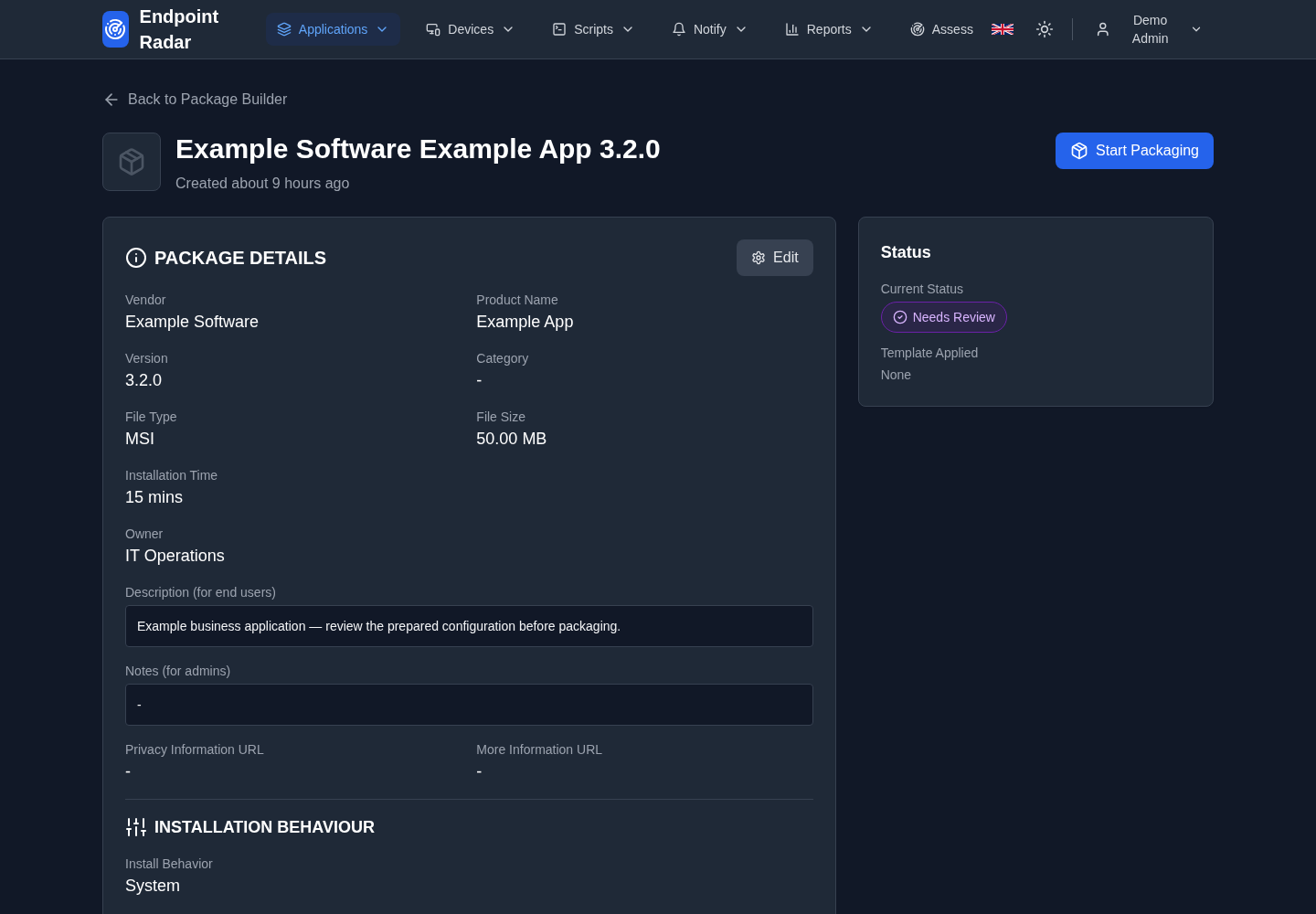 Enlarge
One connected workflow
Applications, devices and tasks are connected, reducing the information you need to piece together.
Define your audience, start small and monitor deployment. You decide when to take the next step.
Make status and outcomes visible through dashboards, history and reports.
From preparation to outcome
Prepare a package or script, review the proposal and start with a pilot. Inform stakeholders about relevant events. Then review available deployment outcomes and usage data.
How it fits your environment
Connect your Microsoft environment with the required permissions. Available features depend on your subscription, integrations and data. Additional device telemetry requires the Endpoint Radar agent.
Read about the Platform betaSet up the tenant connection, roles and your chosen workflows.
Prepare packages, select audiences and plan app or script rollouts with appropriate checkpoints.
Review progress and failures, inform stakeholders and report the outcome.
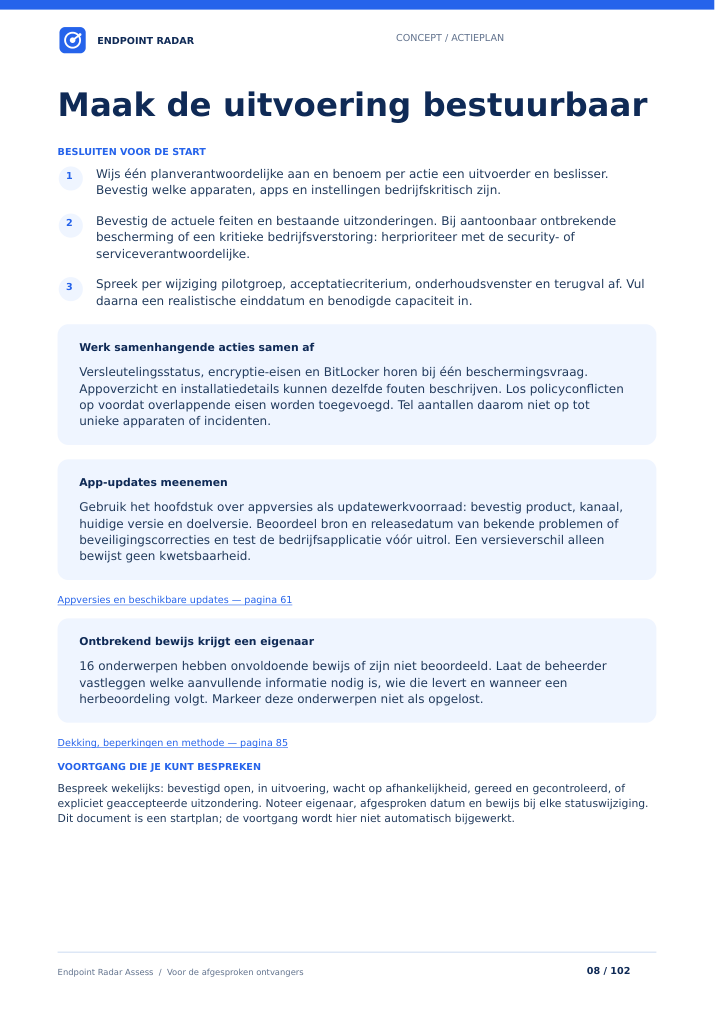
Daily management and periodic insight
Alongside daily management, Intune Assessment provides a focused review of policies, security, applications and configuration. You receive a report with risks, priorities and an action plan. Your team decides and implements the next steps.
Enterprise: by agreement. Also available separately without a Platform subscription.
Explore Intune Assessment →Walk through your most important management workflow in a focused demo.
Book your demo