Desktop, Teams and email
Reach devices through the agent, configured Teams channels and email recipients.
Manage communication through desktop notifications, Teams and email. Use templates, schedule messages and connect communication to relevant events.
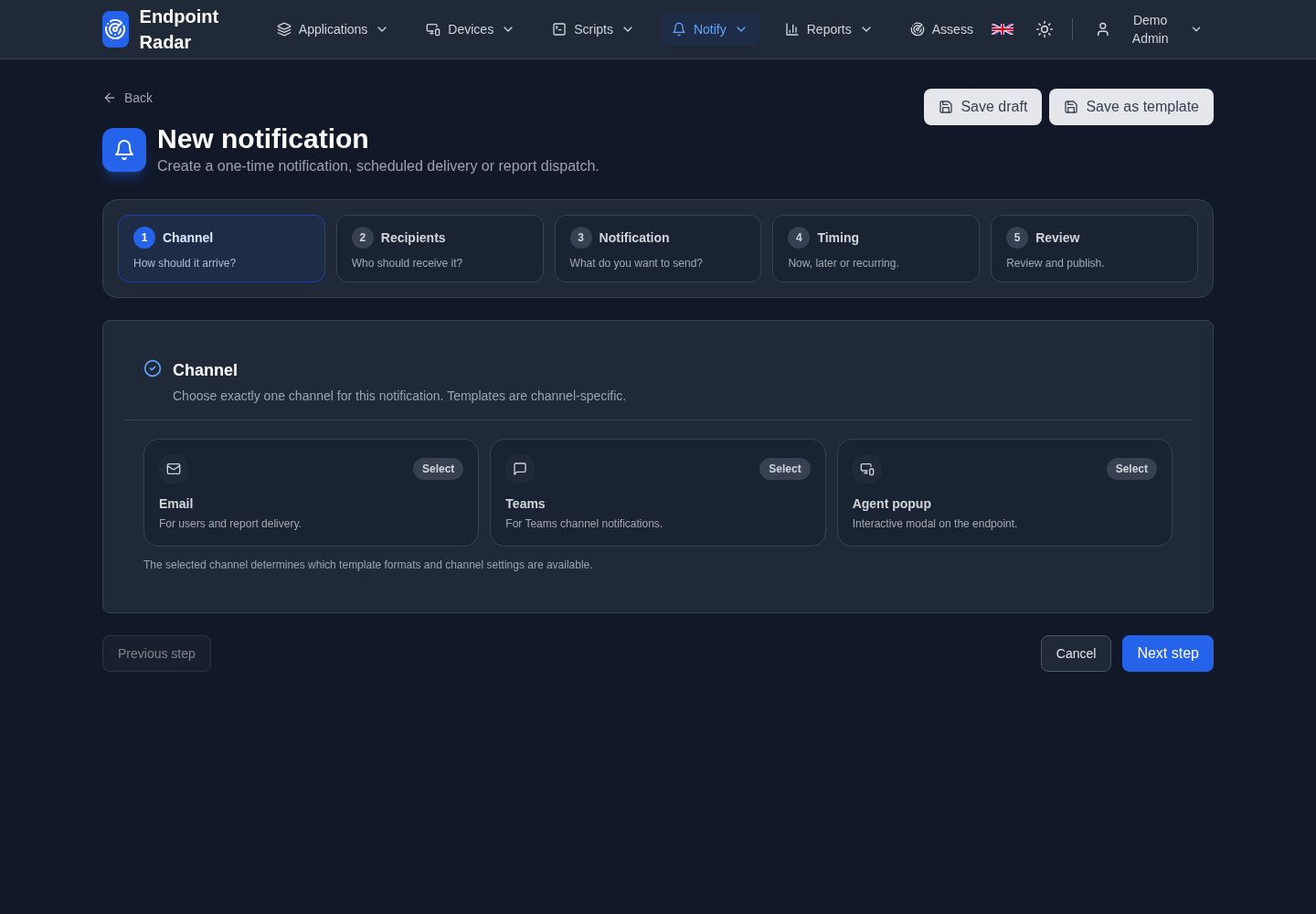
Reach devices through the agent, configured Teams channels and email recipients.
Use message templates and scheduling for a consistent approach.
Review delivery history and failures. Connect rollout events to suitable messages, for example.
Example: inform stakeholders about a planned application update. Configure content and audience for each message.
Your application will be updated tonight. Save your work before 18:00.
Example wording
IT Operations: the next rollout phase is scheduled. Review progress in the Platform.
Example wording
Scheduled update: read what is changing and when action is needed.
Example wording
How it works
Desktop notifications require the Endpoint Radar agent and a suitable user session. Teams and email require configured channels. A sent message does not prove the recipient has read it.
Bring your use case to a focused Platform demo.